Normal PeopleSally Rooney
180 / 266 pages
Loading…
Vivid: Aesthetic Daily Journal
A private daily journal that fills in with taps, not paragraphs. A mood, a few habits, last night's sleep, a photo, a line or two — on one page that is back, empty, every morning.
Low upkeep
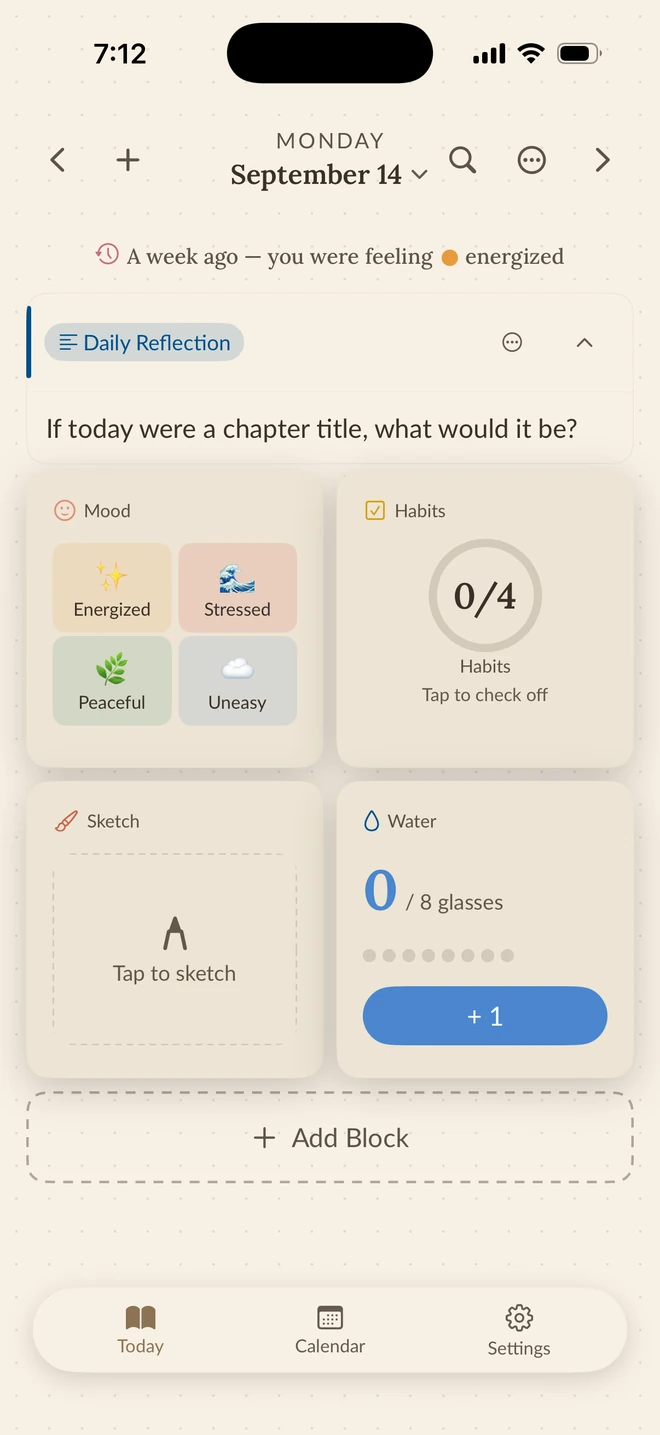
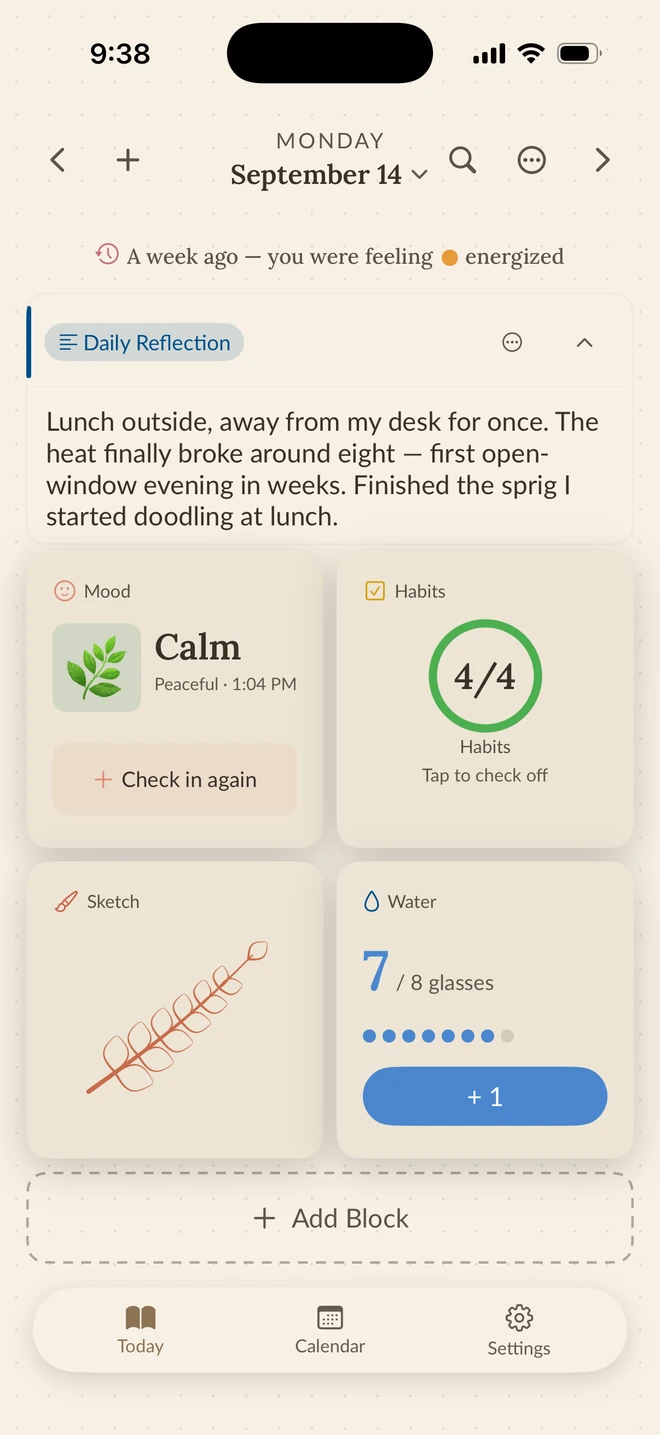
Set the page up once. After that a mood is a tap, a habit is a check, water is a plus, and the writing box is there when you have something to say — and fine when you don't.
A check-in with a memory
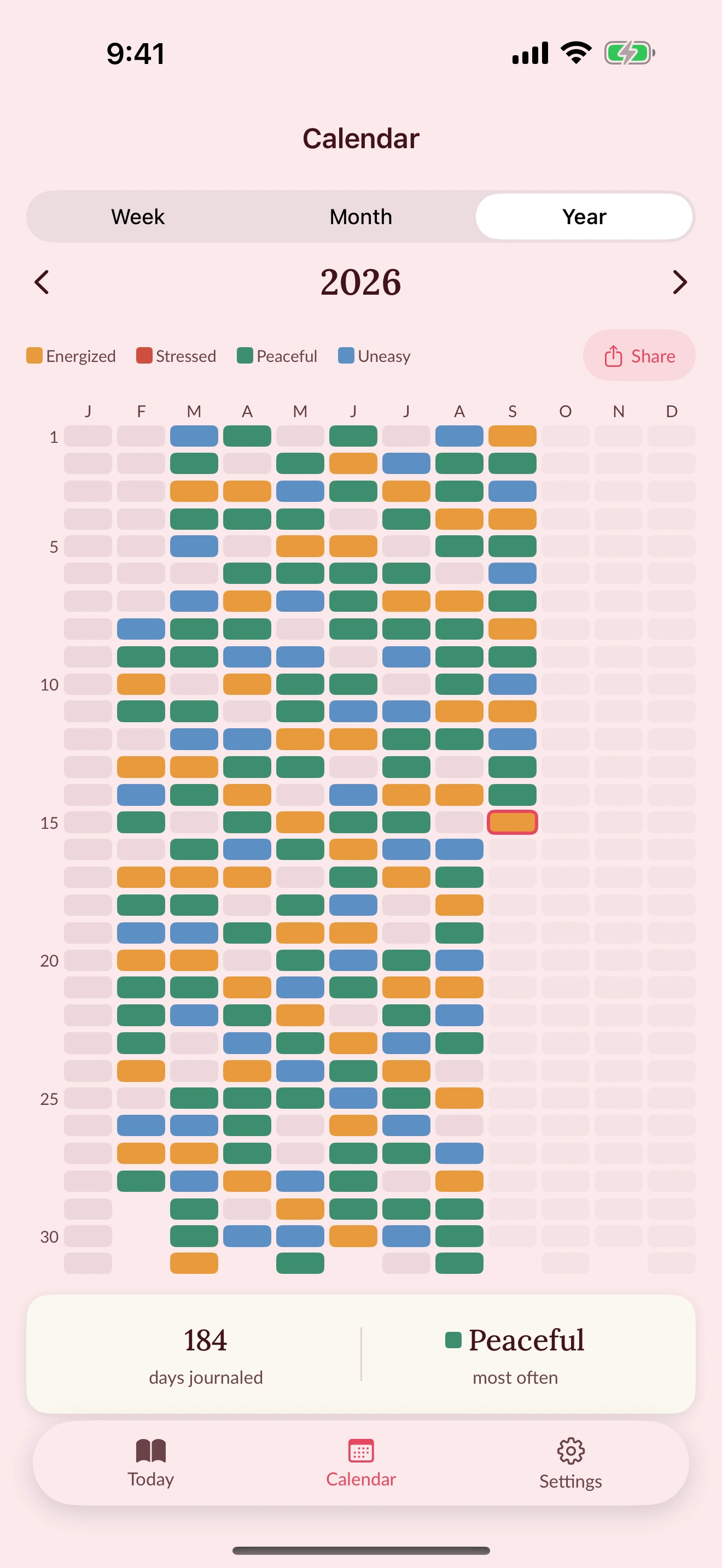
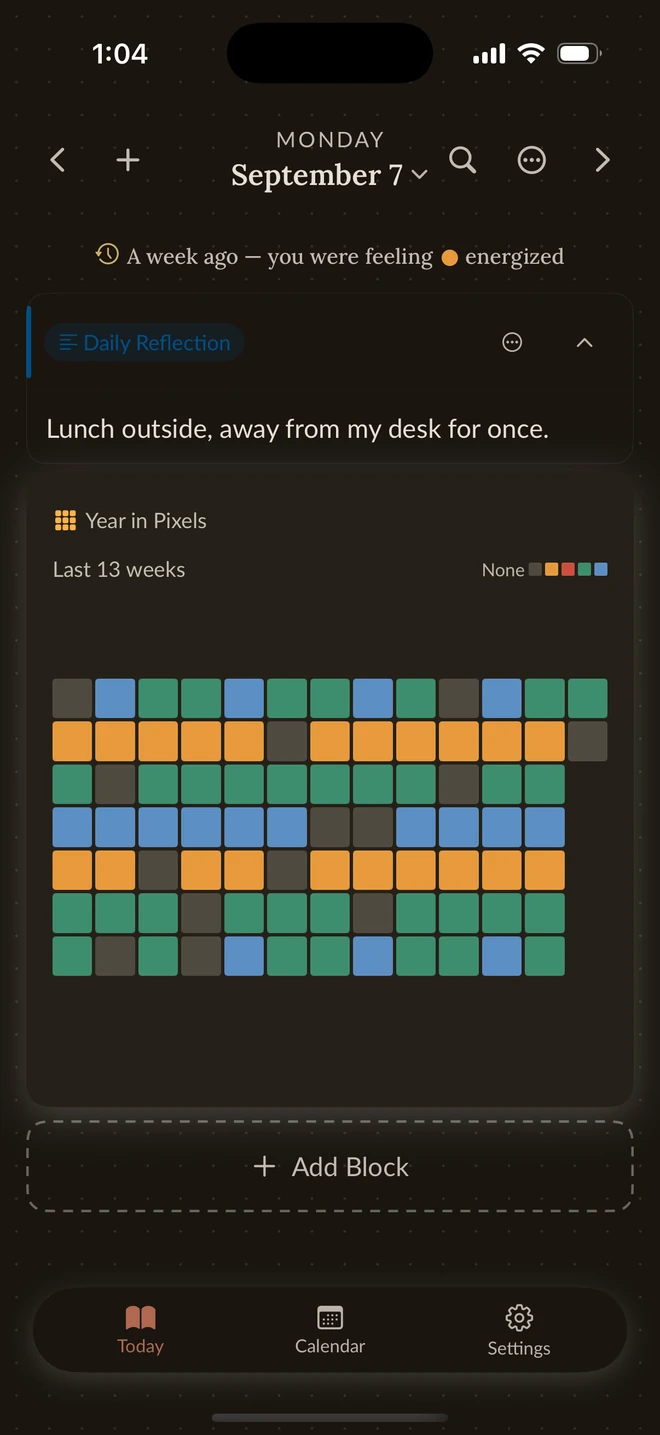
Log how the day felt in two taps. Vivid gives each day a color, so thirteen weeks of moods become something you can see at a glance, and a year becomes a grid you want to fill.
Year in Pixels is free. Mood Trends, the line chart, comes with Pro.
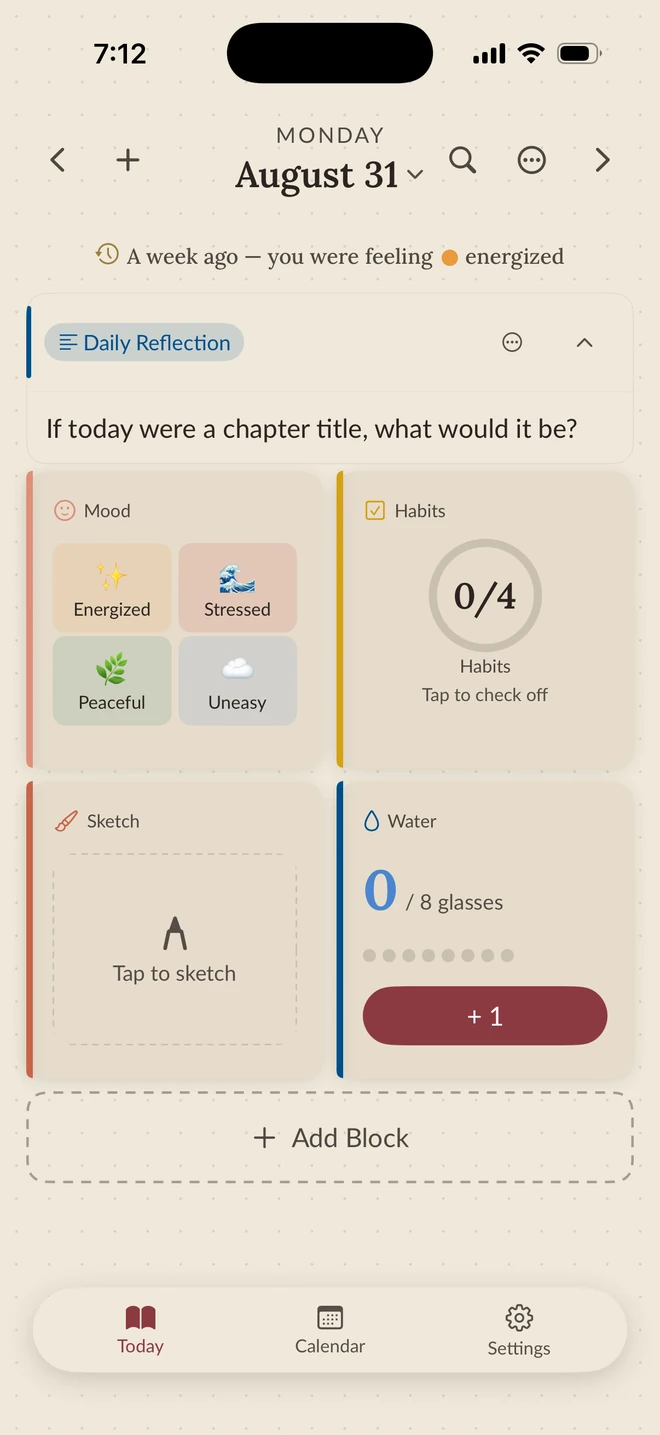
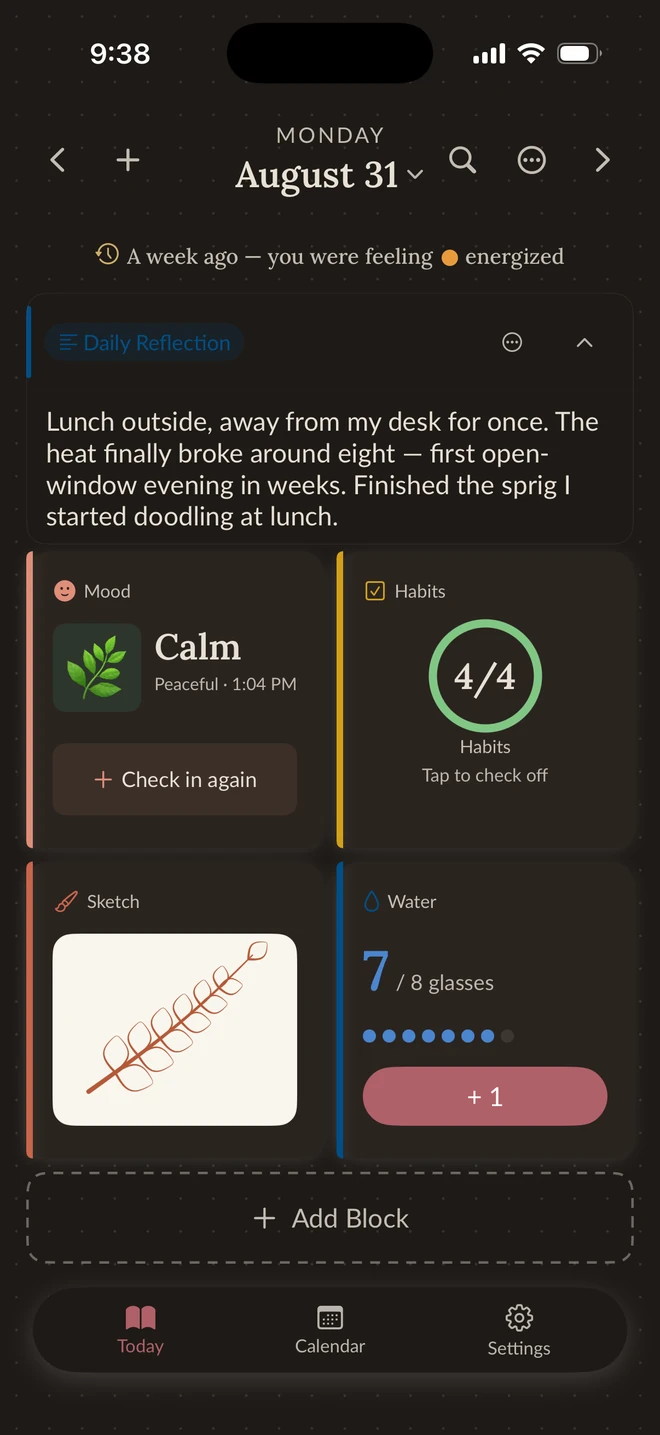
17 themes, all free
Same page, same saved values, a different room. Poetcore in the morning, Dark Academia when the day goes dark — or Cottagecore, Matcha, Coquette, Midnight, and eleven more. Every theme is free, and six come with a matching app icon.
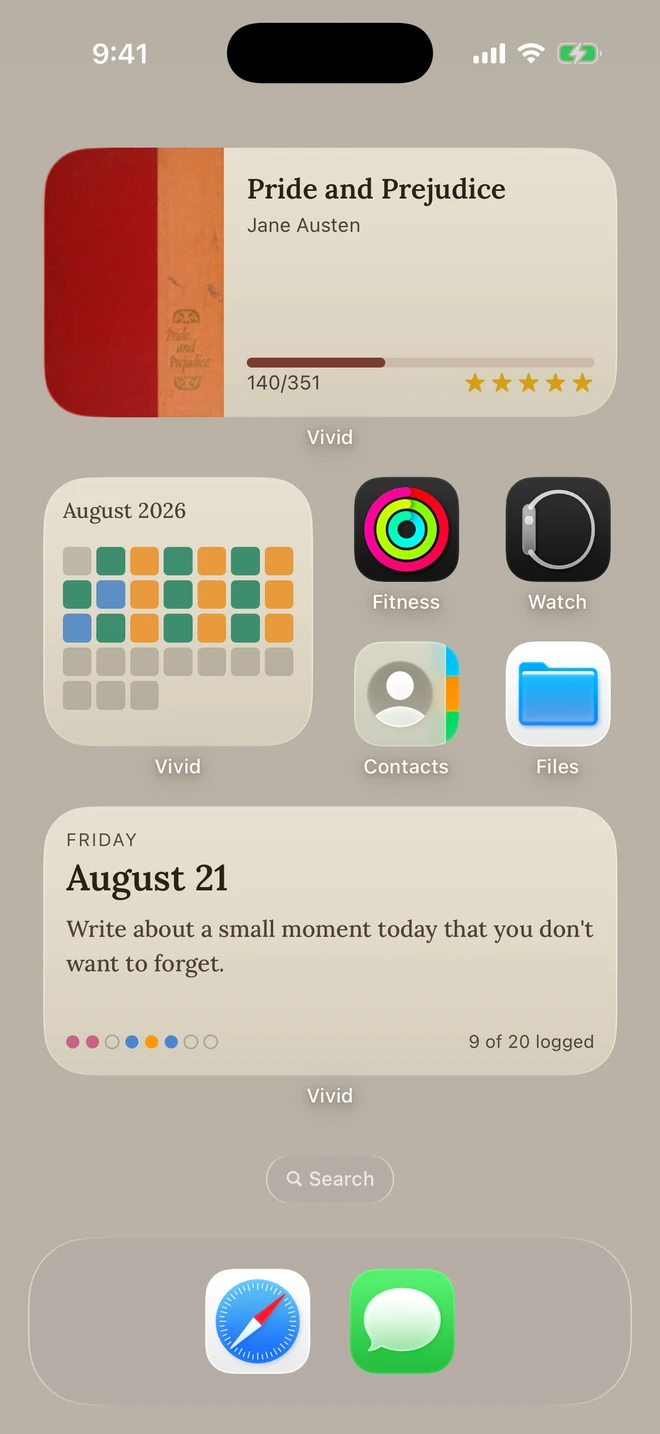
Home Screen and Lock Screen
Eighteen Home Screen widgets and five Lock Screen widgets read from the same page and take your theme with them. Check a habit, add a glass of water, or log a mood without opening the app.
Place as many Vivid widgets as you like on the free plan.
Build the page around your life
Reading, cycle, movement, sleep, water, to-dos, countdowns, a calendar, a photo, a sketch. Add the blocks that fit your days and drop the ones that don't; yesterday's page stays as it was.
The Day Ahead
Calendar events, reminders, and today's habits in one timed list, with what has already passed struck through. Calendar and Reminders access is optional and asked for once, and the same list runs as a Home Screen widget.
Eight blocks per page on the free plan. Insight and chart blocks come with Pro.
Your journal stays yours
Entries, photos, drawings, moods, and eligible saved tracker values live on your device and, when enabled, sync through your personal iCloud private database. Likeli Lab cannot read your journal.
Before you start
Yes. With permission, Vivid reads selected Apple Health data on-device to fill compatible trackers such as steps, sleep, workouts, water, and mindful minutes. Journal content and eligible saved tracker values can sync separately through your private iCloud database; cycle data remains on-device only.
Yes. All 17 built-in themes and imported theme links are free, and each theme carries seven card styles you can apply to a single block or the whole page. Six themes include a matching app icon. Pro adds custom theme creation, paper textures, the extra icon colorways, and the canvas design builder.
Your journal is stored on your device and, when enabled, in your personal iCloud private database. There is no Vivid account, and Likeli Lab cannot read your entries.
Free gives you eight blocks per page, all 17 built-in themes, three photos per photo block, two Full Circle rings, every Home Screen and Lock Screen widget with no limit on how many you place, and CSV, JSON, and full-backup export. Pro removes the block limit, raises photos to ten per block and Full Circle to four rings, and adds custom themes, paper textures, insight and chart blocks, the extra app icon colorways, and the canvas design builder.
On an eligible device, first use starts a 7-day no-card Pro preview. Reinstalling does not restart it. Eligible yearly subscriptions may also show a separate 7-day App Store free trial before purchase; the App Store displays the terms that apply to your account.
free to start on iPhone and iPad. no account, all 17 themes, every widget.

Not on an iPhone? Vivid is iPhone and iPad only for now. The pages are on Pinterest in the meantime.