Vivid guides
Daily journal guides.
Start a daily page, choose trackers you will actually use, set up iPhone widgets, or decide between paper and an app. Short, plain, and written for a busy day.
Start here
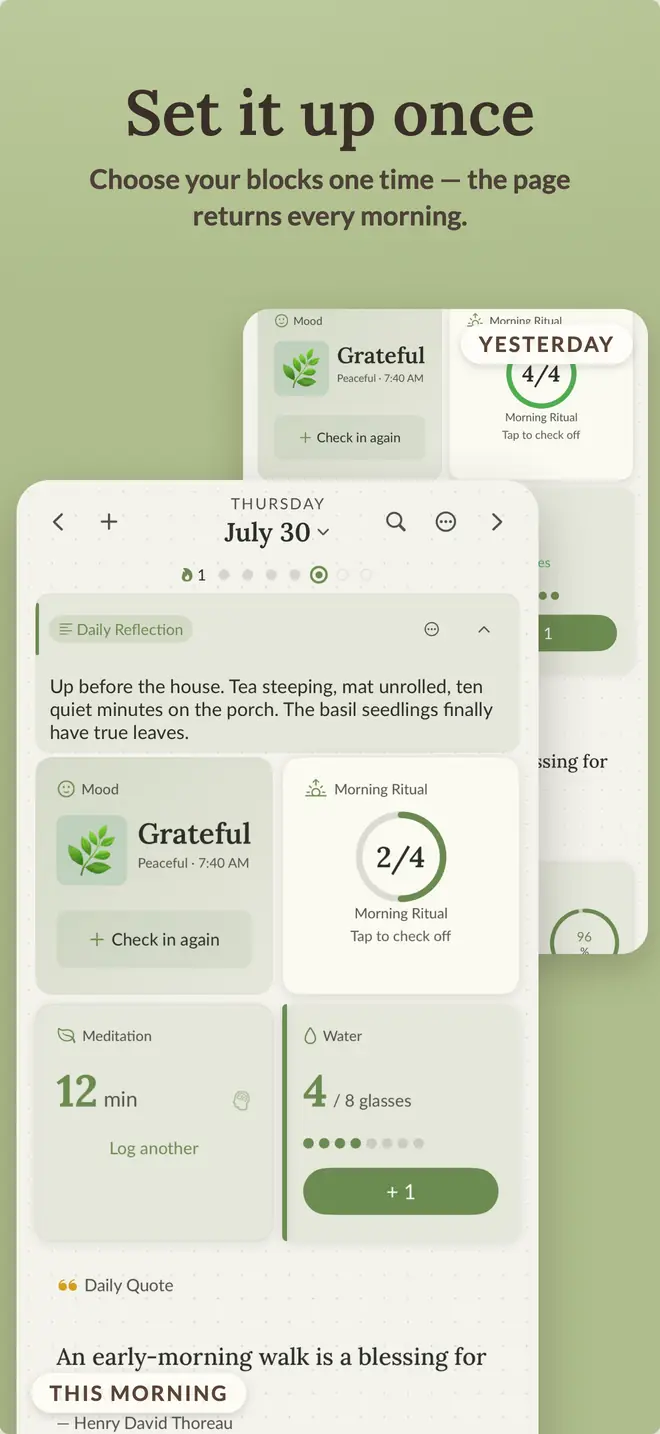
How a Reusable Daily Journal Works
What one daily page can keep together, what an app can automate, and when a reusable journal makes sense.
First week
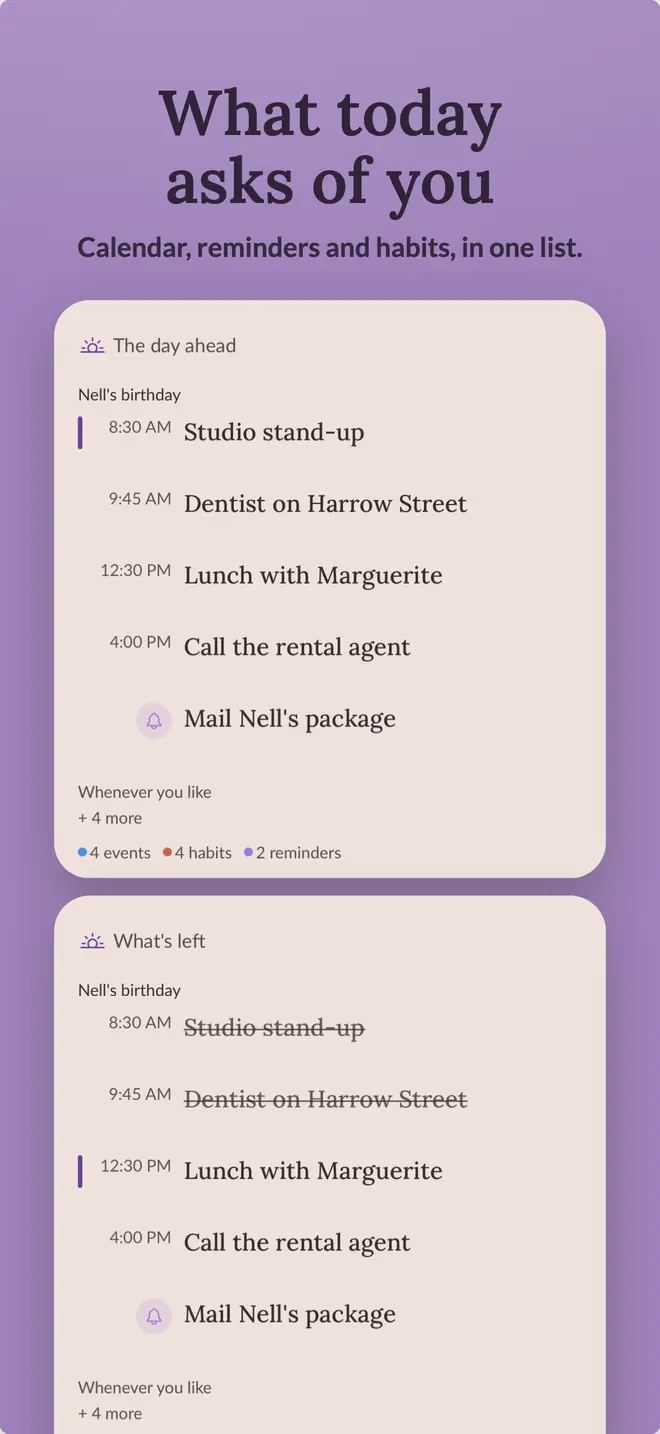
How to Start a Daily Journal That Fits Your Routine
Set up a small daily page, test it for a week, and change it based on what you actually use.
Habits
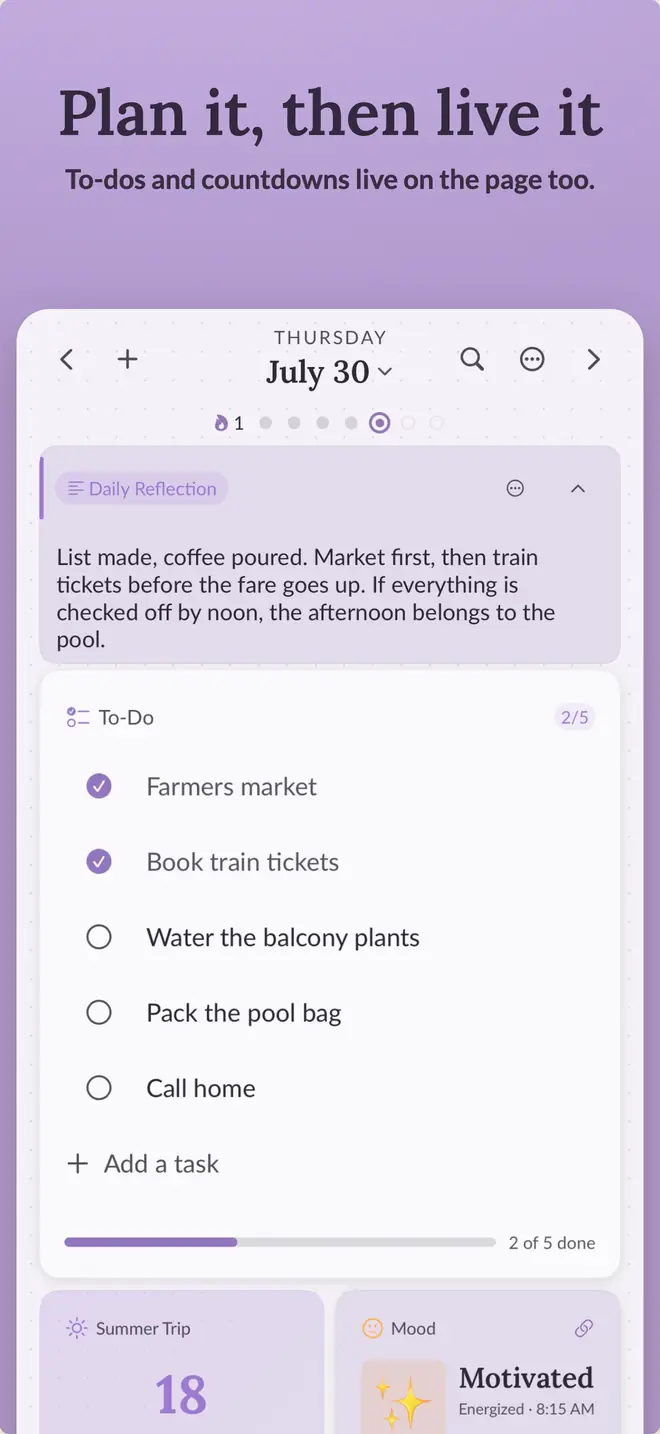
How to Build a Habit Tracker Inside Your Journal
Choose a useful tracker type, keep the list short, and record enough context to explain missed days.
Mood
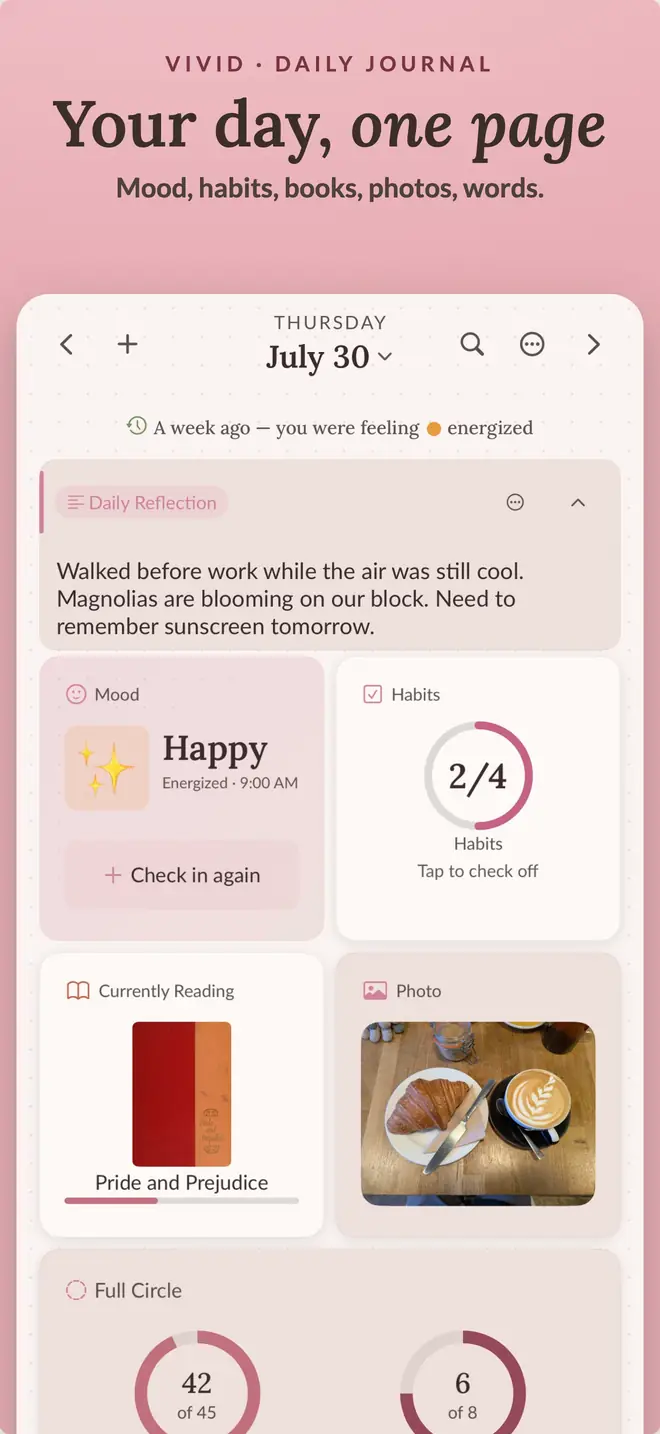
How to Use a Mood Tracker With Your Journal
Pair a quick mood check-in with a few words of context, then review the pattern over a week or month.
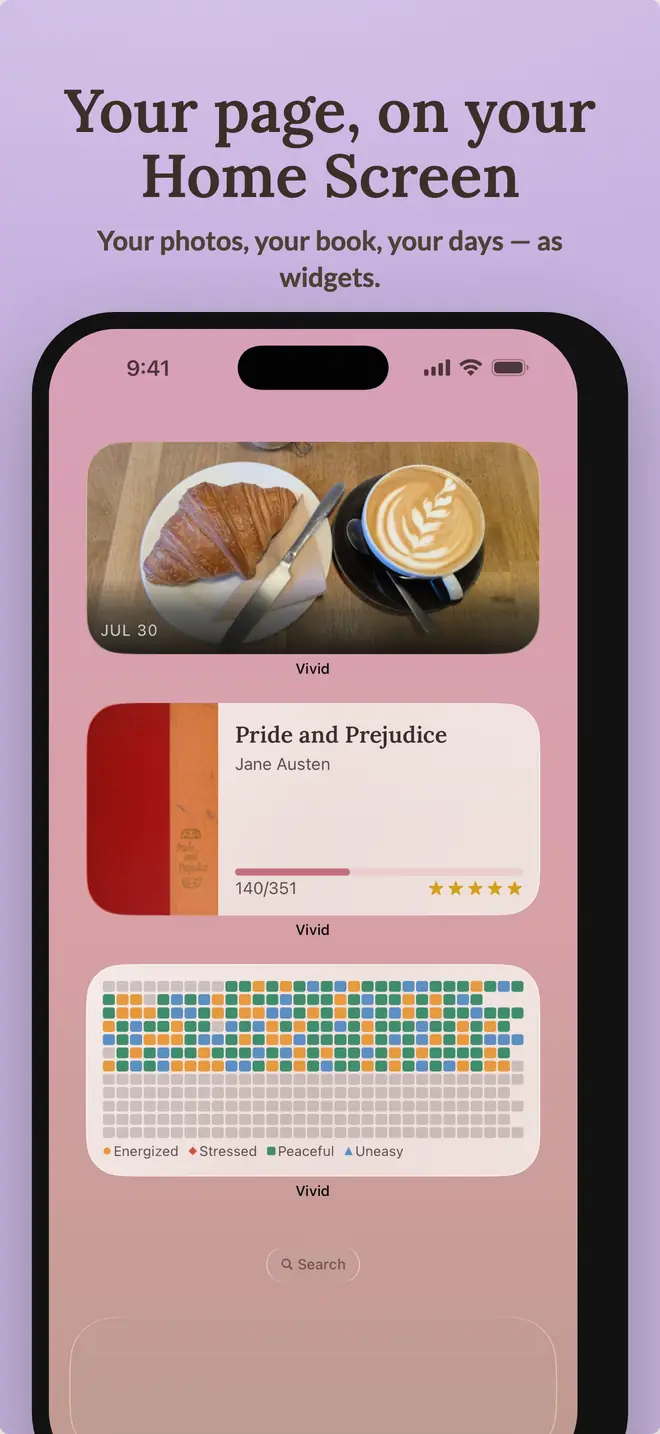
iPhone widgets
Using iPhone Widgets for Journaling and Habit Tracking
Use interactive Home Screen widgets and glanceable Lock Screen widgets for the journal moments you repeat most often.
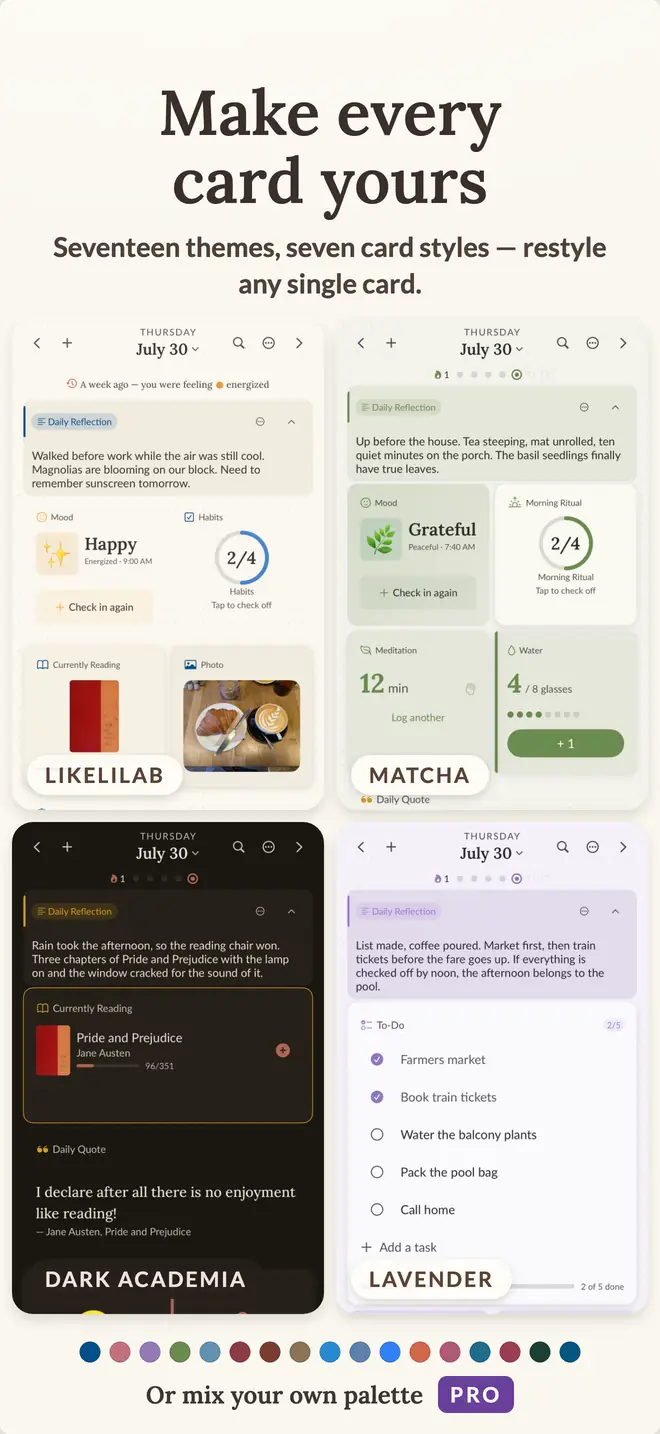
Paper or app
Digital vs. Paper Journaling: Which Fits Your Routine?
Compare paper and digital journals for writing, privacy, portability, trackers, search, and daily setup.
your day, kept.
Vivid is free to start on iPhone and iPad. No account, all 17 themes, every widget.