First week
How to Start a Daily Journal That Fits Your Routine
Do not begin with a twelve-widget dashboard. Make one page you can finish on a busy day, use it for a week, and then decide what is missing.
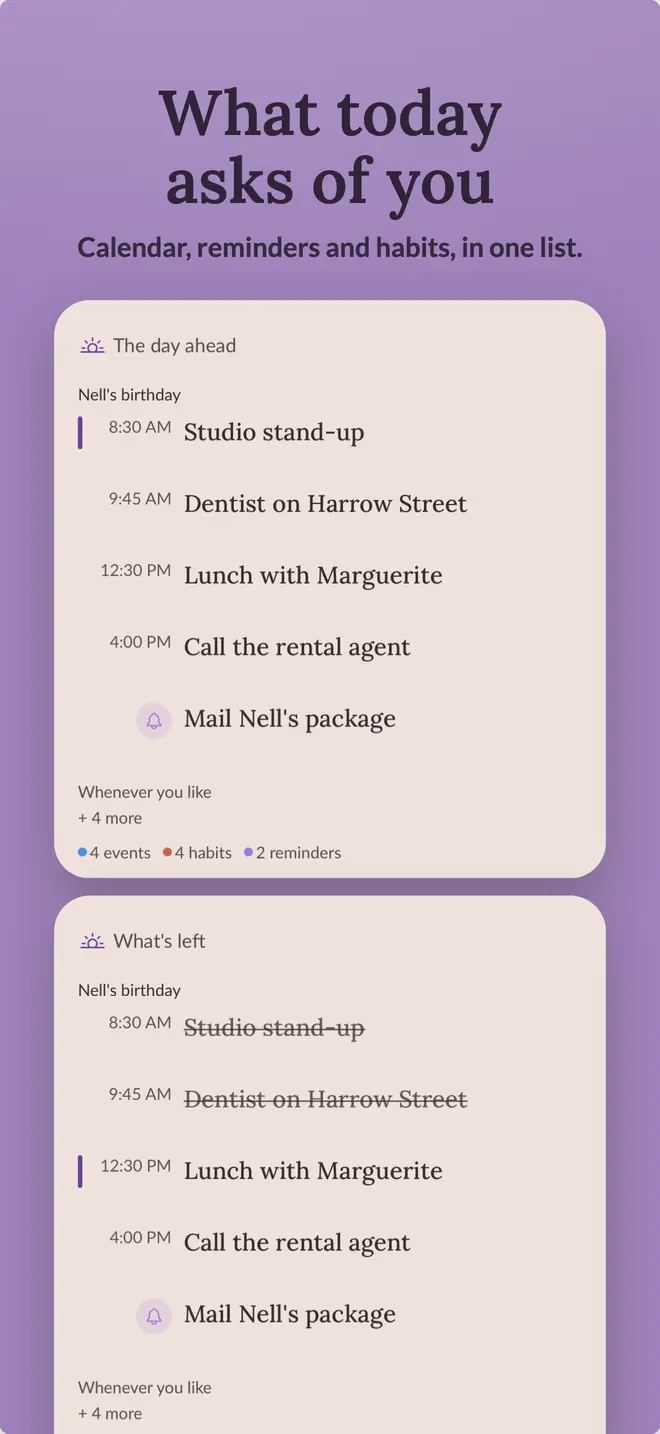
1. Decide what the page is for
Pick one reason to open the journal tomorrow. Maybe you want to remember the day, keep up with two habits, see how sleep affects your mood, or make progress through a reading list. That answer tells you what belongs on the first page.
2. Make a page you can finish quickly
A short reflection, one check-in, and a few habits or tasks are enough. Save the layout as a template in Vivid so you do not rebuild it each morning.
- A sentence or two about the day
- A mood or energy check-in
- Two or three habits or priorities
- An optional photo or reading note
3. Put repeated actions within reach
Put the item you use most near the top. If you keep forgetting a habit or water log, pin it to an interactive Home Screen widget. Let Apple Health fill steps or sleep when you would otherwise enter the same number by hand.
4. Edit the page after seven days
Remove anything you skipped all week. Keep the parts that helped you remember something or notice a pattern. Add one thing if you found yourself reaching for it elsewhere, such as a reading log or sleep tracker.
The first version is supposed to be incomplete. The useful layout is the one that survives a normal week.
Back to the page
your day, kept.
One page for writing, habits, mood, sleep, and reading, stored in your own iCloud. Free to start on iPhone and iPad.