Mood
How to Use a Mood Tracker With Your Journal
A mood tracker gives each day a small signal: a color, label, or rating. A journal entry records what was happening around it. The two are more useful together than either one alone.
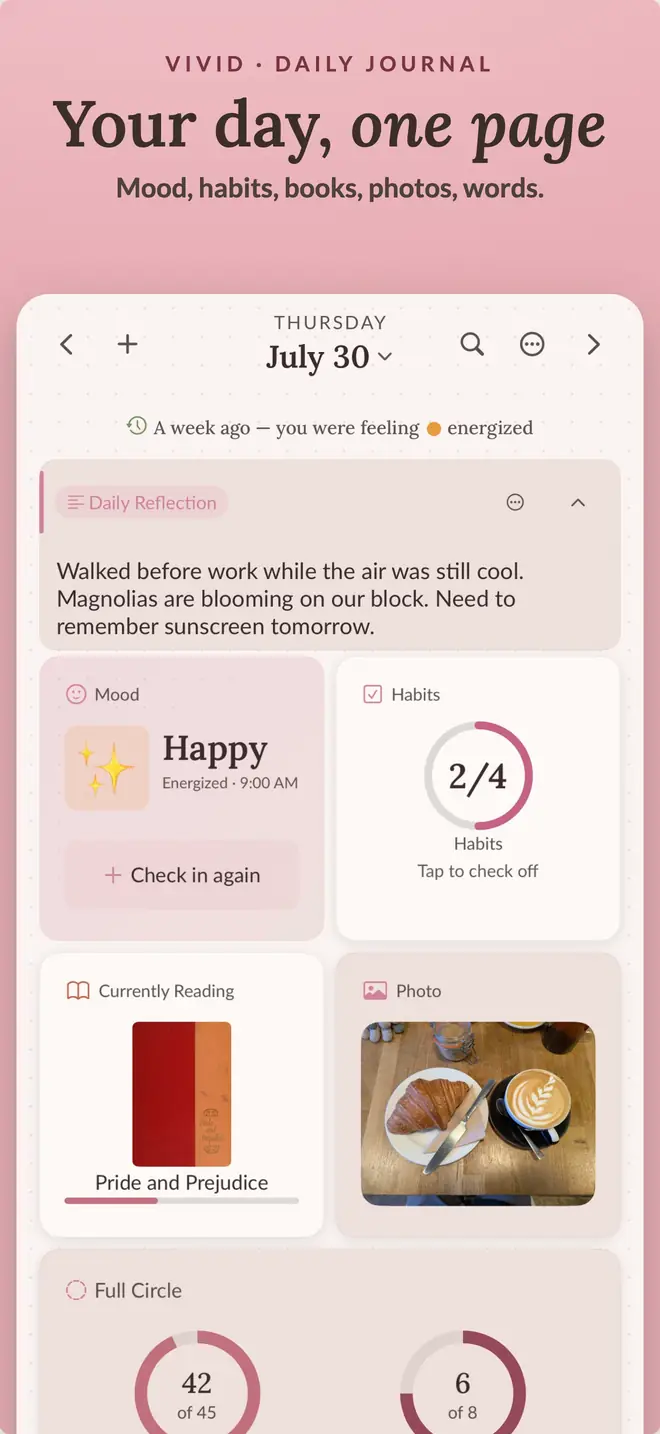
Choose a check-in you can repeat
Check in at roughly the same point each day, such as after dinner or before bed. Vivid uses a two-tap mood grid and offers a prompt when you want to add more than a label.
Track emotion and energy separately
Mood and energy are not the same. A day can feel good and still be exhausting. Track them separately if that distinction matters to you, then add sleep or cycle information only if you plan to look at it later.
Look for patterns, not diagnoses
Review a week before drawing conclusions. Look for repeated timing, routines, or events rather than explaining one difficult day. A Year in Pixels view is useful for seeing longer runs that are hard to remember from individual entries.
A mood journal is a personal record, not a diagnosis or a substitute for professional care.
Protect sensitive context
Vivid stores mood choices and journal entries on your device and in your private iCloud database. Those values and anything you write are excluded from app analytics. App Lock can require Face ID, Touch ID, or your passcode to open the journal.
Back to the page
your day, kept.
One page for writing, habits, mood, sleep, and reading, stored in your own iCloud. Free to start on iPhone and iPad.